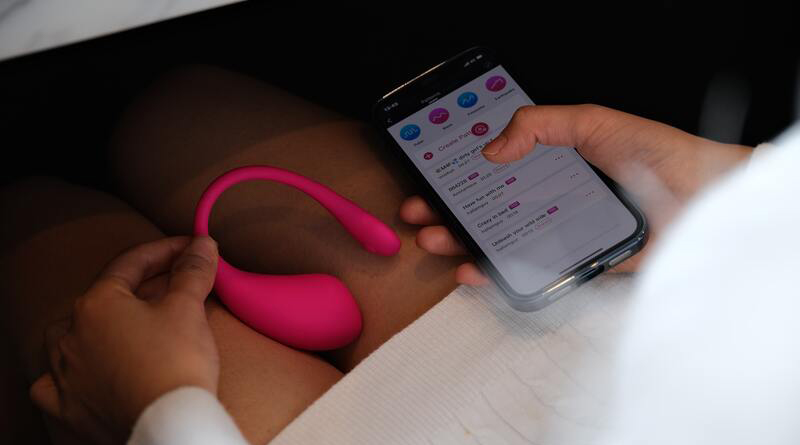
If you are using the mobile app:
1. Go to your system Bluetooth settings, unpair ALL devices (Bluetooth speakers, headphones, etc.), and restart your phone. This helps clear the cache.
2. Make sure you only have the app open on one device.
3. Please don't run the app in the background.
4. Try to uninstall and reinstall the app to make sure you are using the latest version of the app.
5. If possible, please try to use a different device to see if the problem will persist.
6. Click Firm Update to update the firmware if it’s available under the Toys tab.

If it still doesn’t work, please contact a customer service representative through this link:
https://www.lovense.com/contact
If you are using a PC app:
1. Make sure you only have the app open on one device.
2. Try to uninstall and reinstall the app to make sure you're using the latest version of the app.
3. If possible, please try to cam using the Lovense Connect app on your phone and see if the issue happens the same. It can help us to determine whether the toy is defective or just the adapter.
4. DO NOT keep the toy far away from the USB Adapter.
5. Click Firm Update to update the firmware if it’s available under the Toys tab.

If it still doesn’t work, please contact a customer service representative through this link: