
This is definitely not a trick, just a treat! Launching October 25th, the Lovense Cam Extension will feature a new game just in time for Halloween. We’ve broken down how to get started and configure your settings in this spooky game.
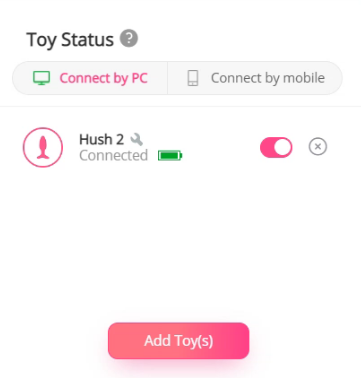
1. To get started, make sure your toys are connected and the latest version of OBS is open. Check that your connection to your cam site is ready for broadcast.
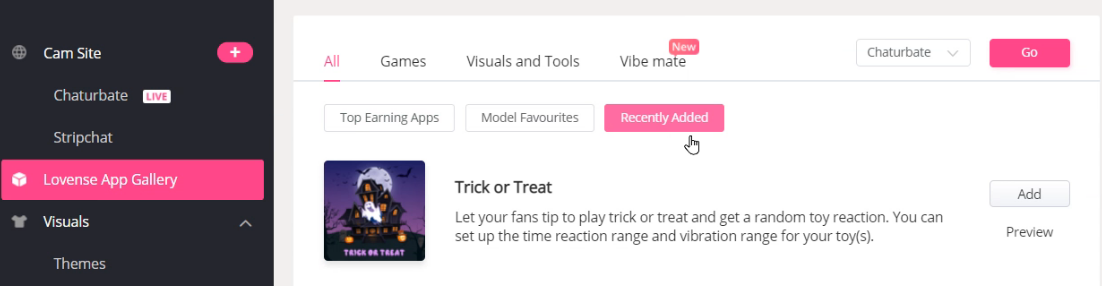
2. Visit the Lovense App Gallery and select the game, Trick or Treat.
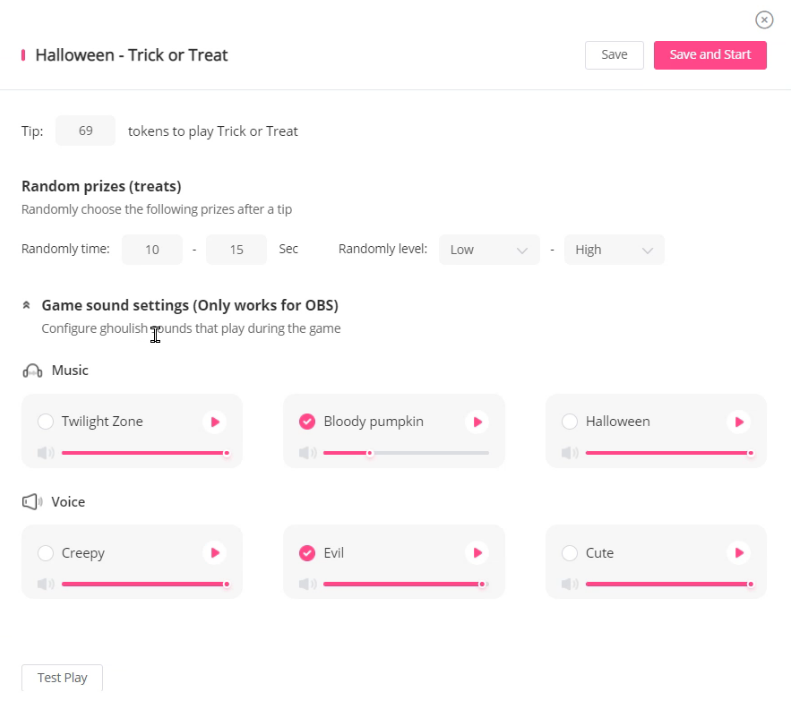
3. Input your tip amounts and select your sounds. Choose the tipping levels that users must pay to play the game, and choose sound options that you want playing during the game. You can have classic Halloween tunes or creepy and evil voices, either way remember to have fun with it! Don’t forget to send a test tip to make sure everything is working perfectly.
4. Place the Trick or Treat game where you would like on your screen overlay. Make sure to remind viewers in your show to send the required amount tokens to play, so they can send a treat of toy vibrations your way!
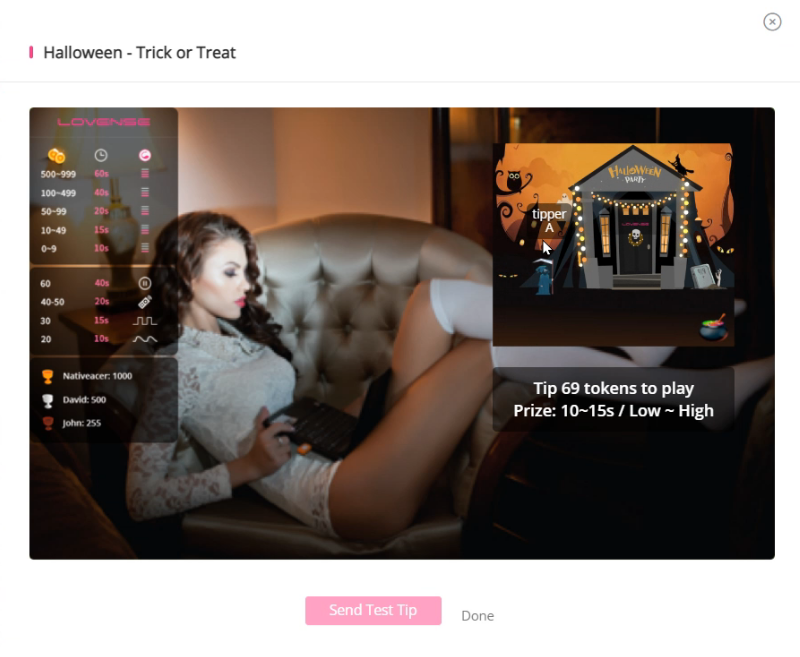
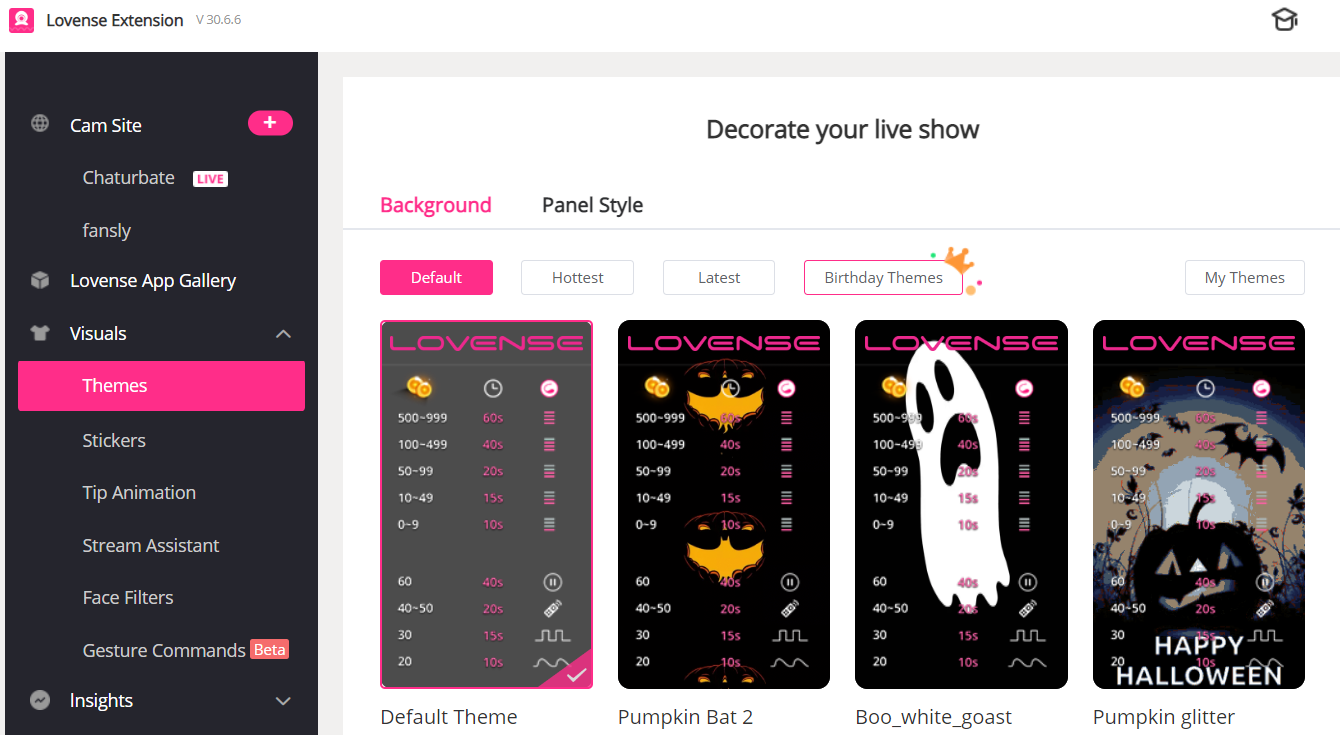
We have also added Halloween-themed stickers, themes, and tip animations to make your screen fun and frightful!
If you haven’t downloaded the Lovense Cam Extension or Browser, you can do so here.
Remember to take part in our Halloween contest on our Community Forum for a chance to win some amazing prizes!