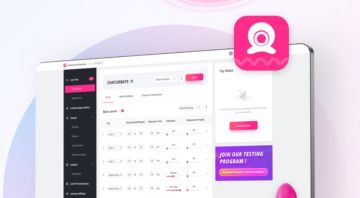
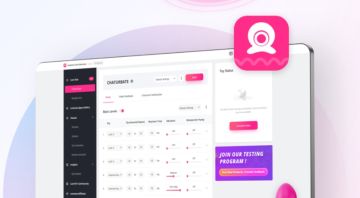
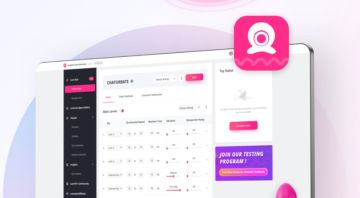
How to connect and use streaming software
Having trouble connecting and using streaming software? Here you can learn how to effectively use streaming software to take your camming to the next level.

Guides

How to use the Lovense OBS Toolset

This guide tells you how to install the Lovense OBS Toolset.

How to use the Lovense SplitCam Toolset

This guide tells you how to use the Lovense SplitCam Toolset.

How to use the Lovense Streamster Toolset

This guide tells you how to use the Lovense Streamster Toolset.

How to set up your own custom screen

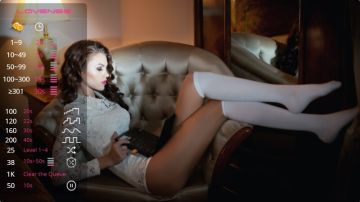
One of the most important aspects of streaming is being able to interact with your viewers in real-time. When setting up OBS Studio/SplitCam/Streamster for streaming, it's important to understand what may show up on your screen and how to set it up properly.

Boost Your Cam Show's Fun Factor with Lovense Mini-Games

Found in the Lovense App Gallery in the Cam Extension, games take your camming to the next level by increasing viewer engagement during your stream.

Videos

How to use Lovense Webcam to Monetise Your Streaming

How to Maximize Stream Master's Potential

Discussion

Erotica Lynn
Member
1 week ago
Co-Streaming Help
Hello to anyone reading this! I recently tried the Co-streaming Via VibeMate feature with a co-streaming partner, but I was trying to figure out what to do about the audio, since there's a lag on Chaturbate and if both of us are streaming, the audio doesn't sync up, which makes having conversations difficult. I also encounter this issue when trying to do Cam2Cams with my fans. I'd love to know if there is a better way to go about this that anyone knows about.
jackleestagger
Member
1 month ago
Auto Clip Highlights
I had a setting activated in Stream Master at one point that would automatically record clips of my show when I reached a certain tipping threshold. I turned it off at one point and I cannot figure out how to turn it back on. Any help in reactivating this would be greatly apprecated.
vvictoria_xxx
Member
2 months ago
cam101 and streamaster
For some reason I do not have a side bar to scroll on this site. it is very annoying, which leads me not to even deal w it anymore which is stunting my growth BIGTIME_ HELP!
naked
Member
3 months ago
lovenen Connect How to clear the application cache
lovenen Connect How to clear the cache of the mobile version of the application is very troublesome to me
bunnyluve
Member
4 months ago
How do I become a rising star model
the page poped up i filled part of it out but then i miss clicked and the page disapered. and it wasnt in my search history how do i sign up for rising star models?
Gage Allin
Member
4 months ago
FIXED/SOLVED - Can't Stop Sparkle - Problems with Lush 4 OBS overlay.
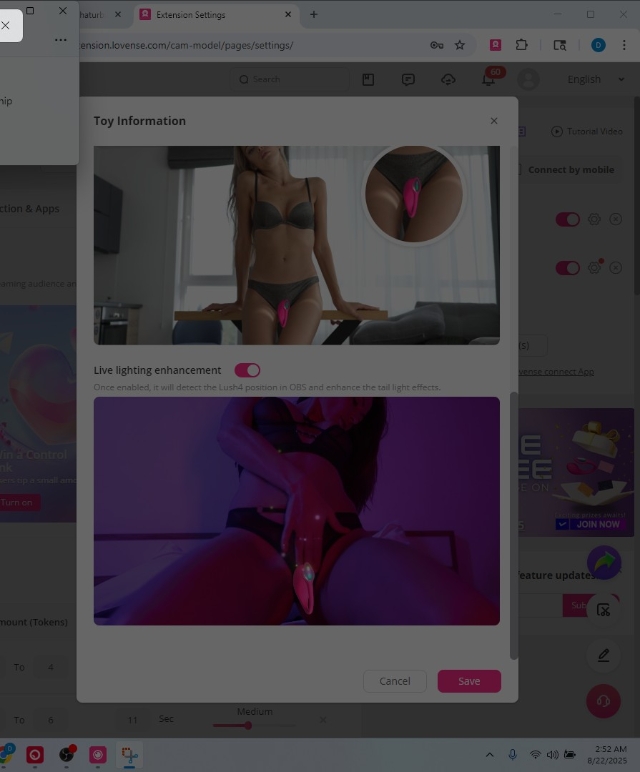
FIXED EDIT: The solution was to only use Stream Master to stream when using the Lush 4. when I go back to the extension, the sparkle is back. SO long sparkle! hope this helps someone else sometime! SOLVED EDIT 2: Lovense support finally reached out. The way to remove the sparkle is to OPEN Lovense Remote (not connect) and deactivate the enabled 'light up' function on the lush 4. Then return and reconnect your toy to lovense connect and you'll be able to turn off the obs overlay of sparkle. (I found this to be a pretty ridiculous and user hostile solution, as you have to flip flop between the civilian app and the worker app to adjust this setting. I assume many cam models do not even use or have a remote account. Also to be honest, I never would have thought to do this. Butttttt... theres two ways to fix this apparently now. Hope this helps somebody sometime cos that was a nightmare. Original Post: So to try it out, I enabled the "sparkle" option on the new Lush 4 on my account. This was a huge mistake as for some reason now when I am tipped it makes my stream stutter or get blurry for no reason. I guess my laptop can't handle the extra processing power. No worries right? I'll just turn it off again. But I can't. The slider bar does NOT turn off, I cannot select the other setting "enlarge" instead either without turning off the sparkle. But you can't stop the sparkle. I've been on with tech support for two days. Anyone else having this issue? Attempts to fix have included already: Manually deleting and reinstalling the browser extension. did nothing. Deleting and readding Lush to the extension/connect and to remote or not. nope. Making a new lovense connect/extension account and adding the lush to that. no dice. it makes my screen stutter, get blurry and messes up my cam view completely for viewers. obviously, this has become an incentive to NOT tip. its a nightmare. the only thing that works: is TURNING off the OBS overlay completely and NOT displaying any of the lovense obs overlay/including the menu. NOT using the Lush 4 (which i just got.) any ideas?
Bloody_Diamond
Member
5 months ago
VIBE ME for FREE
I see this "VIBE me for fee" vibe everywhere, and I'd love for someone to finally play with me for a few minutes. Is it available like Stripchat?
DiamondEdge
Member
5 months ago
#OBS #Camsoda #LovenseCamExtension Trouble Starting Camera
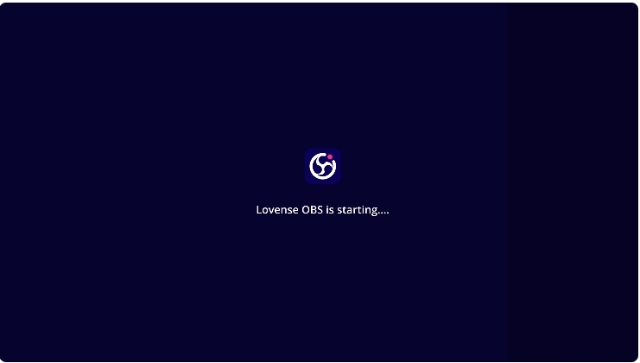
Hi everyone! So ifirst off let me say that I am not very tech savy. Like at all..... So I got the new lush toy which I love and I got it connected to CamSoda and StripChat by installing the Lovense Cam Extension which I also LOVE. I wanted to stream from OBS so I downloaded OBS and the OBS toolset on my laptop I added the stream Key from Cam soda and made sure it was also connected to the lovense extension. But when I go to start streaming there is a blue screen on obs that says "lovense obs is starting" and it just stays that way. I am also struggling to get the audio turned on. Any help would br greatly appreciated!
bonesfla
Member
6 months ago
Marking Clips
Hi, not sure if this is the right place to post, but I have seen Mods in a live stream post in the chat window "Clip" I assume this is for editing live streams. Is there a way in Stream Master, OBS or other while recording a live stream where a Mod can enter a message like "Clip" in the chat window and it stops/starts the live stream essentially creating clips. This way instead of a 6hr video you could have small clips of the show you can use for other purposes? Thanks
Matts1988
Member
7 months ago
Multi streaming platforms... help
hi everyone. im fairly new to cam modelling (just over two month) and am having success on 2 platforms. Stripchat (primarily) and Chaturbate. im looking for a platform to be able to stream both casts simultaneously. Ive tried a lot of options programmes and apps so bare with me as i try to explain, not confuse and not bore anyone enough to not read the rest lol. i am using a google chromebook to do my camming. i have a lovense solace pro. i have a lovense account. i have the lovense cam extension. (on my chromebook) i have lovense remote app (on my phone as not available on chromebook) i have lovense connect app (on my phone as, again, not available on chromebook) now somehow all of the above allows me to use my solace on stripchat via my chromebook. which is great. im happy with that. now the multi streaming. ive so far downloaded and somewhat tried... stream master mobile (on my chromebook) but can only seem to stream one platform at a time. streamster....cant connect to streamster server... tophy....not even sure what that one does vibemate (both phone and chromebook) not used for multistreaming i dont think? cam101 i dont think is for streaming?.... lovense cam extension...says i can stream through it but dunno if i can multistream? can someone please put me out of my misery. i would like a free multistreaming platform for my chromebook to stream 2 streams at one either via 1 cam thats built in my laptop or i have a spare webcam so could use a webcam for each site. please help me im losing the will to live with this. thanks for your patience and reading this. Matt
7v
Member
7 months ago
stripchat Account blocked, please unblock
I was live streaming a year ago, a black-scammer chatted with me and gave me 1,000 coins, asking me to give him a rebate. After 2 days, my account was blocked and I want to unblock it now. Who can help me unblock it? (中文) 本人直播一年前 有个刷黑的跟我聊天 给我刷了1000币 说让我给他返点 过了2天我的账户封禁了 现在想解封 哪位可以帮我下 救助解封
DarjaLovense
Moderator
8 months ago
Want to earn more and stream like a pro with Lovense Webcam 2?
The Lovense Webcam 2 guide has everything you need — setup, syncing, streaming tips + a tip-activated feature to boost your income! 🤩Watch the full video now: https://www.cam101.com/coursesView/detail/video/mastering-the-lovense-webcam-2-the-setup-guide-you-need
DEZERAYxxxDELICIOUS
Member
9 months ago
lets try this again!
had some technical difficulties yesterday! today is take 2 lol idk whats up with my internet connection! any advice on the perfect type of Internet to have for streaming??? thanks -Dez
Kelce Carter
Member
11 months ago
AI Tracking on Lovense Cam to just lower half?
I've been trying to play with the settings to get the AI tracking on my lovense cam to just track my lower half since I am a faceless creator, however, anytime I enable the AI tracking it just assumes my upper half of my body when enabling the "half body" function. Anyone been able to successfully get the cam to focus on lower half with tracking? My only solution so far is disabling the AI tracking and setting the gimbal control to focus on my lower half but that defeats the purpose of the added feature of AI tracking. If that's the only fix then I could switch to a less expensive cam that isn't using a 3-axis gimbal..
lilithrosexoxo
Member
11 months ago
stream master obs won't open?
when i open the browser, the obs section is stuck on " lovense obs is starting". if i go into my computer files and open lovenseobs.exe it'll start obs, but i still won't be able to click on it to open and start streaming. i've tried restarting the browser and also my computer. is anyone else having this problem? is there a way to fix it??? it was working completely fine two days ago!!
Dior Galore
Member
11 months ago
obs mac help
Hey Fam!! is there anyone who uses obs with mac and are able to help me with a few questions.
jamielea87
Member
11 months ago
Help with CB using HP laptop
Hi all I have currently been camming for almost a year. I used my phone at first which was such a hassle. I then got an HP Chromebook and it was decent, but it got broke so in November of last year I bought an HP stream 14. I thought since it literally has the word stream in it that it would be good for camming. It is not. I contacted HP about it and they told me to optimize it and run a performance check I did both neither helped and they told me basically that is all they can do. Now to my question, lately my streams have been super laggy if multiple tips come in at one time it freaks out and kicks me out of my room or crashes my site as some of you know this is a big problem that I am trying desperately to figure out. Is my setup not capable of handling me streaming live? Could I use the laptop I have with obs? Would that help at all? I also want to mention that even just working on my menu or checking email or simple things like that if you try to do to much on this laptop at once it get very very slow. Any and all help would be greatly appreciated. TIA -Jamie
tallnardyguy510
Member
1 year ago
how to get api tool
i have those Bluetooth lights can change colors and anything else like but i want to my own custom app for my viewers control my lights. i dont know get api tool for stripchat or stream master. i need little help coding too if anyone have more knowledge coding then i do
BondBroken
Member
1 year ago
OBS...Am I just being thick?
I'm having problems with streaming using OBS. I have followed the guidance given by RevealMe but i still can't get any of the animations etc showing on my main screen on RM but the animation is showing on OBS but nothing else apart from a black screen!!! Am i just being a bit crap with tech or have i missed something?
Miss Teri
Member
1 year ago
OBS Advanced Scene Switcher
Is it possible to set up Advanced Scene Switcher in OBS to monitor when an action is happening on a toy? For instance, when a toy is vibrating, I might want to switch to another scene where the camera is zoomed in.