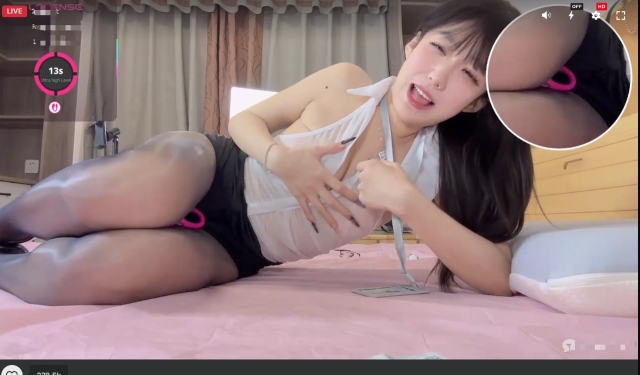
Great question! That feature is called the "Toy-Triggered Camera Window" in the caming extension. You can set it up by going to the caming extension settings, then under the Video Window section, enable the option to show an additional camera view when a tip activates the toy. You can assign a second camera source (like a close-up angle) to appear automatically when the toy vibrates, and it will hide again when vibration stops. If you need help getting it configured, feel free to reach out to [email protected] and the team can walk you through it!
2
Report
honeyss
replied to Sophia991:
4 months ago
Only the Lovense Webcam 2 can achieve this kind of effect?
Report
honeyss
replied to Sophia991:
4 months ago
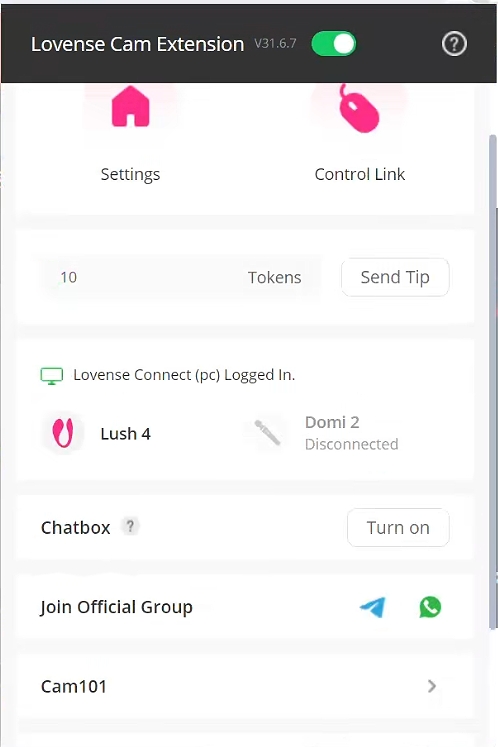
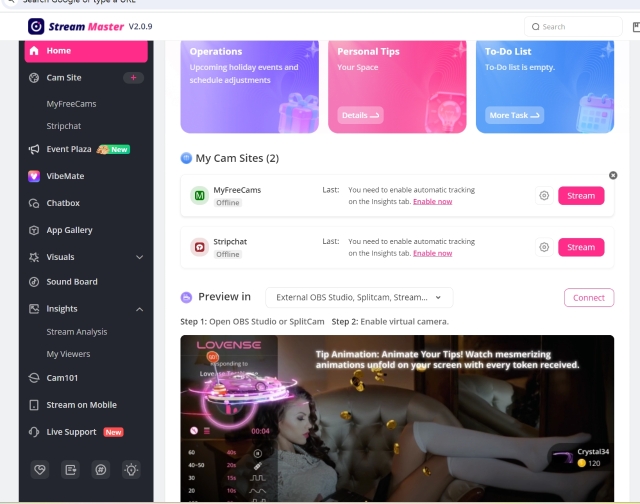
I can't find the camera extension, please take a screenshot and show me, dear!
Great follow-up questions! You do not need the Lovense Webcam 2 specifically — any secondary webcam or capture device can work as the close-up camera source in OBS or the Cam Extension. To find the Camera Extension, go to cam101.com and look for the "Cam Extension" download link in the top menu, or visit lovense.com and navigate to Caming > Download. Once installed, you should see the Video Window settings in the extension dashboard. If you are still having trouble finding it, our support team at [email protected] can share screenshots and guide you step by step! 💜